 01 / Pick from a photo
A softer shadeCream fur.
Cream fur.
Charcoal pads.
From their little toe beans
to the keys beneath your fingers.
Fur + paw jelly
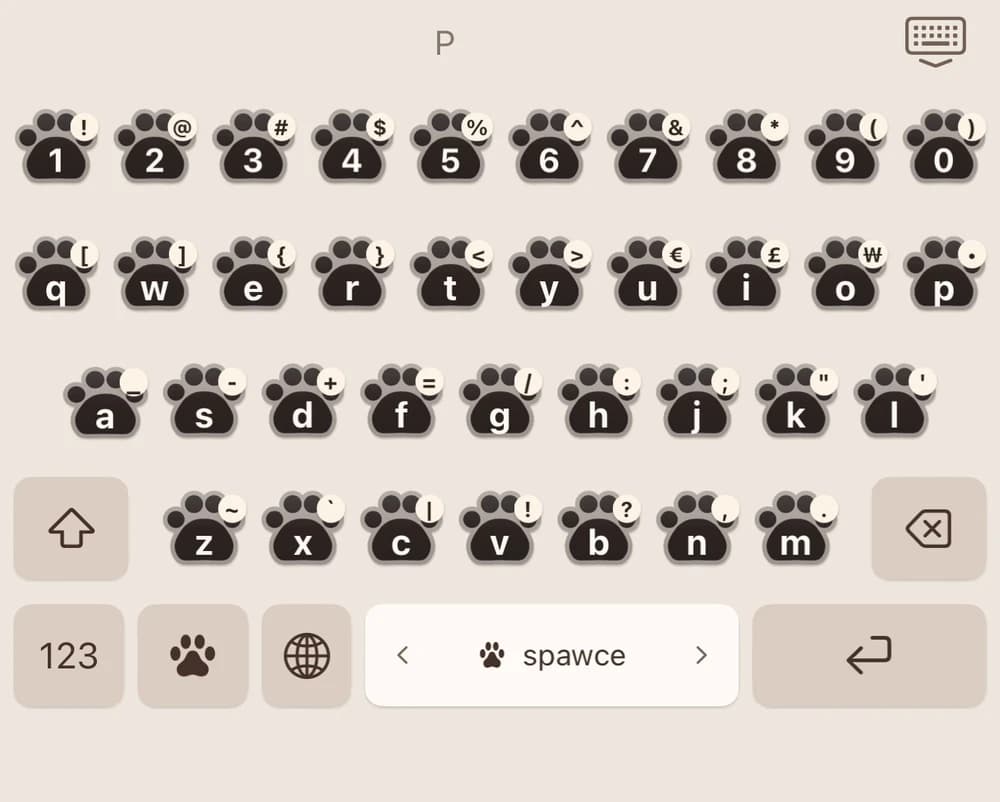
 Paw Keys
A little softer. A little pawier.
Bring your best friend to every message.
Cute paw keys, colors from your dog, and a little joy in every tap.
For iPhone & iPad English & 한국어
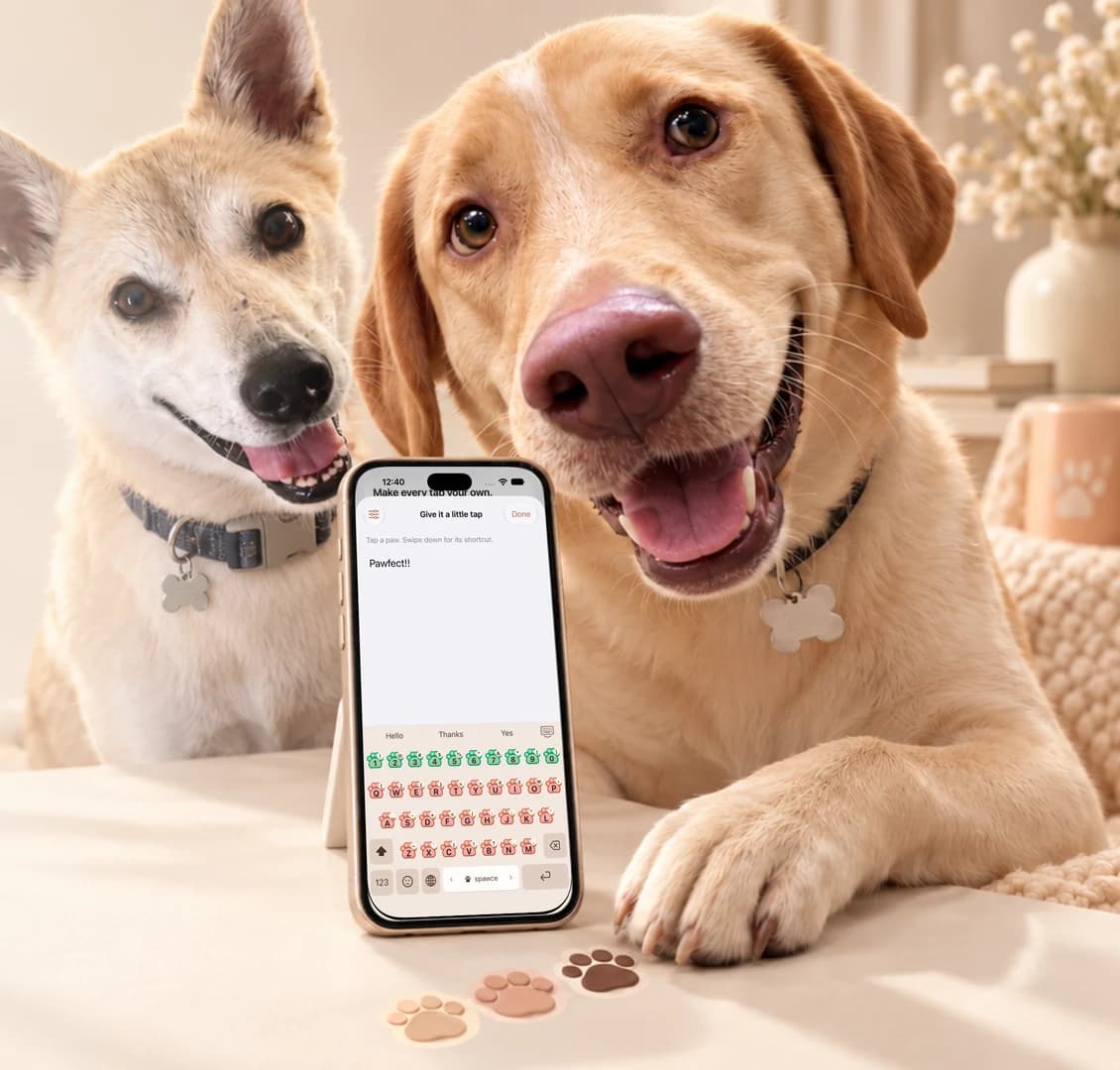
Meet our models: DanDan & Siru
Inspired by your best friend
Choose a photo. Pick the fur and paw-pad colors.
Make a keyboard that feels a little more like them.
01 / Pick from a photoFrom their little toe beans
to the keys beneath your fingers.
Same cute paws.
A whole different personality.
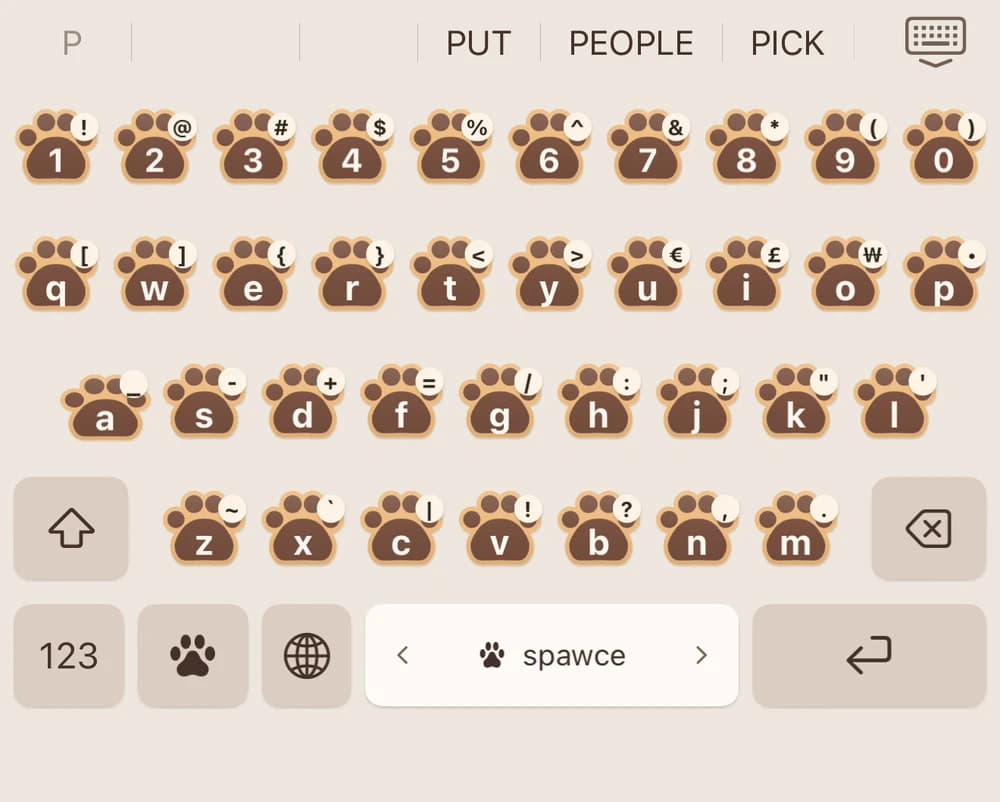
 02 / Make it yours
Real photo-matching screens and keyboards from Paw Keys. Photos are processed on your device.
Cute keys. Everyday comfort.
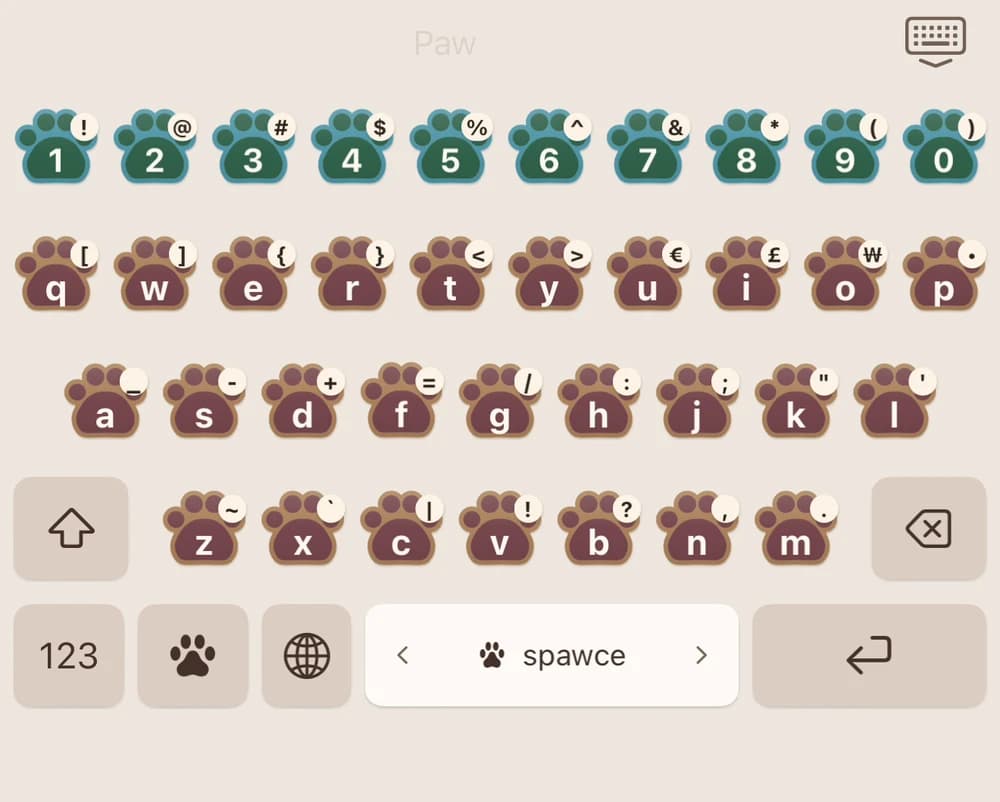
Responsive paw keys squish as you press and spring back as you lift. Numbers stay close, and a downward swipe reveals each key’s shortcut.
Autocorrect and word suggestions run locally. Add names like Siru and DanDan to your personal dictionary, so your best friends feel right at home.
Type in English or Korean, search emoji offline, and slide the space bar to move your cursor. Your everyday words, with a little more personality.
Practice with five furry-friend passages in the app’s Typing Tester.
Choose playful key sounds and adjust haptics to your liking.
Customize fur, paw jelly, number-row colors, and swipe shortcuts.
See the real app
A quick look at typing, photo-matched colors, local corrections, and a few furry friends.
30-second app preview · No sound
See how to set it upPrivate by design
The keyboard works offline. Autocorrect, word suggestions, emoji search, and photo color matching happen on your device.
No accounts. No advertising. No typing analytics.
Full Access is optional for typing. Turn it on to share your custom colors and settings with the keyboard and enable key sounds.
Read the privacy policyA little paws-on time
Meet your new favorite keys. Try a few words, a little paw jelly, and a whole lot of personality.
Tap to type. Swipe a paw down for its tiny shortcut. With a keyboard, Tab to a paw and press Down Arrow for the shortcut.
This is a browser demo. Photo color matching, local autocorrect, and your personal dictionary are available in the iOS app. Your demo typing stays in this page.
In Settings → General → Keyboard → Keyboards, choose Add New Keyboard and select Paw Keys.
Open Paw Keys to pick a palette, or match fur and paw jelly from a photo of your friend.
In a text field, hold the globe key and switch to Paw Keys. Your little paws are ready.